Best PC Cooling Solutions for Ultimate Performance?
In the world of gaming and high-performance computing, effective PC cooling is crucial. A well-cooled PC ensures optimal performance and longevity of components. Without proper cooling solutions, systems can overheat, leading to reduced efficiency and potential damage.
PC cooling encompasses various methods, including air cooling, liquid cooling, and even advanced options like phase change cooling. Each option has its pros and cons. For example, air coolers are budget-friendly and easy to install. However, they might not handle overclocked CPUs well. On the other hand, liquid coolers provide superior heat dissipation but require more maintenance.
Selecting the right cooling solution means considering your performance needs and budget. It’s not always straightforward. Some users may prioritize aesthetics, while others focus solely on performance. Ultimately, finding the perfect balance in PC cooling is essential for achieving the highest level of efficiency and reliability in your PC.
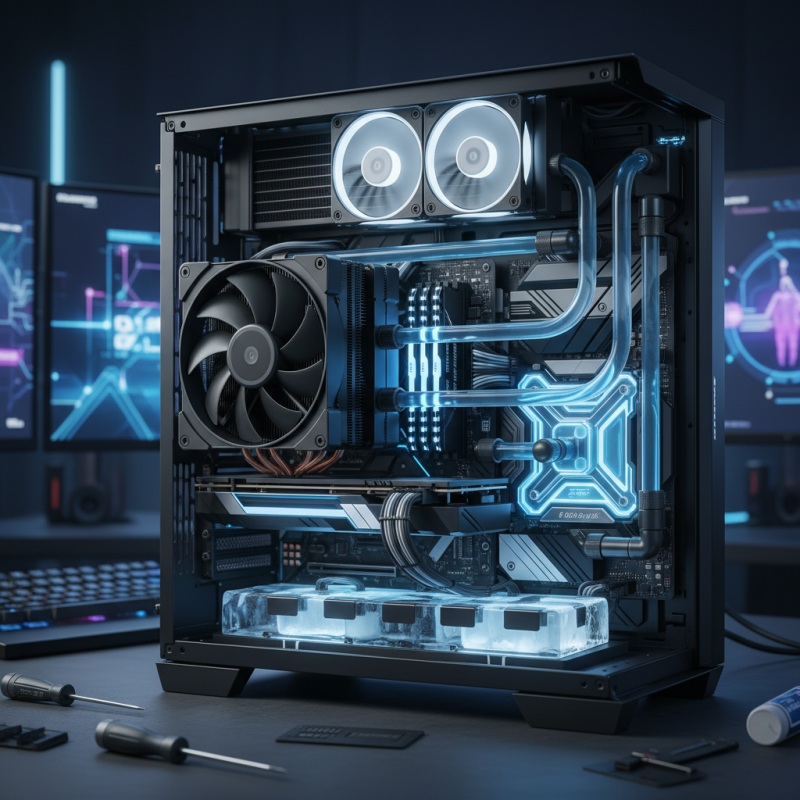
Understanding the Importance of PC Cooling for Performance
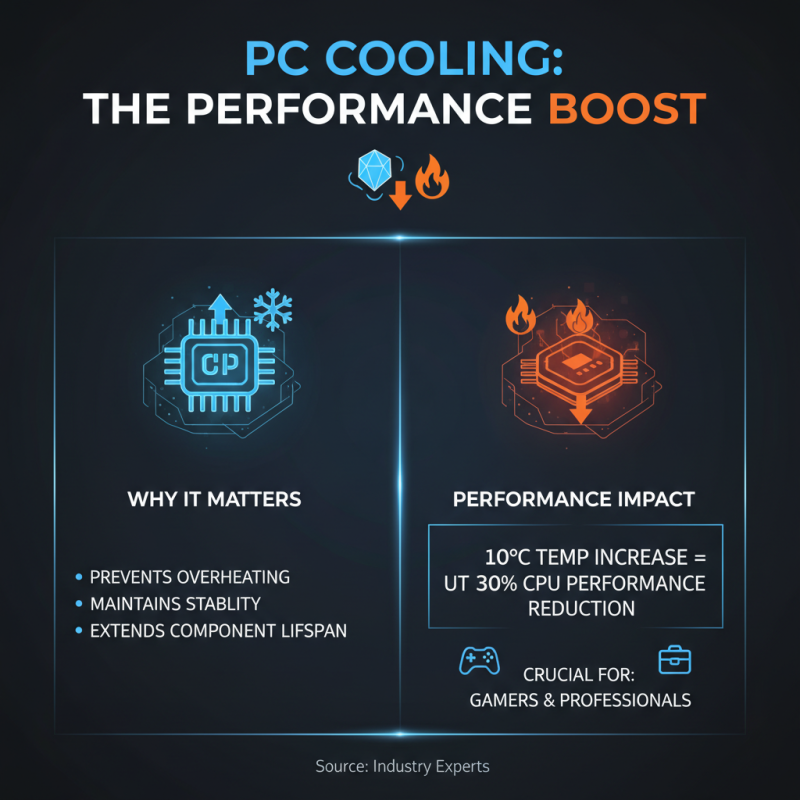
Cooling solutions are vital for achieving peak performance in a PC. When components overheat, performance drops significantly. According to industry experts, a 10°C increase in temperature can reduce a CPU's performance by up to 30%. This makes effective cooling systems crucial for gamers and professionals alike.
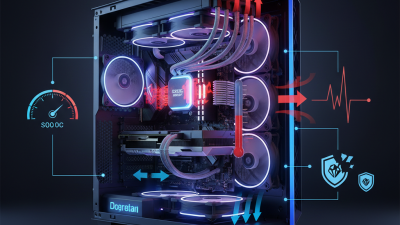
Many users underestimate the importance of airflow. Proper airflow can enhance cooling efficiency by up to 40%. Any obstruction in airflow, such as dust buildup, can lead to increased temperatures. Regular maintenance is key to sustaining optimal performance. Keep your system clean and ensure fans are functioning properly.
Tip: Consider using high-quality thermal paste. This can improve heat transfer between the CPU and cooler, often leading to lower temperatures. Moreover, always monitor your system’s temperature. Tools like HWMonitor can alert you to overheating issues before they become serious. An informed user is a powerful one.
Types of Cooling Solutions: Air vs. Liquid Cooling
When it comes to PC cooling, two primary types stand out: air cooling and liquid cooling. Air cooling employs heatsinks and fans to dissipate heat. It's widely used due to its simplicity and cost-effectiveness. According to a recent industry report, air coolers can reduce CPU temperatures by about 20-30% under load. They are easy to install and maintain, which appeals to many users.
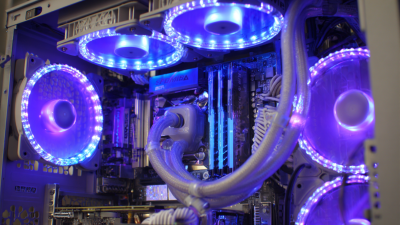
On the other hand, liquid cooling systems use a fluid to transport heat away from components. These systems often excel in high-performance scenarios. Liquid coolers can achieve temperature reductions of up to 40% compared to air cooling. However, the complexity of installation and potential for leaks present challenges. Many users find the initial setup daunting, which can lead to issues if not done correctly.
Both methods have their pros and cons. Air cooling is less expensive and more reliable but may struggle with extreme overclocking. Liquid cooling, while more efficient, requires careful handling. Ultimately, the choice between air and liquid cooling depends on individual needs and performance expectations. Each method demands consideration of specific use cases and potential drawbacks.
Best PC Cooling Solutions for Ultimate Performance
| Cooling Type |
Cooling Efficiency |
Noise Level |
Ease of Installation |
Cost |
| Air Cooling |
Moderate |
Low |
Easy |
$40 - $100 |
| Liquid Cooling |
High |
Moderate |
Moderate to Difficult |
$100 - $250 |
| All-in-One AIO Cooling |
High |
Low |
Easy |
$75 - $200 |
| Custom Loop Liquid Cooling |
Very High |
Low |
Difficult |
$200+ |
Evaluating Air Coolers: Key Features and Brand Comparisons
When it comes to air coolers, several features can enhance overall performance. First, look for a larger heatsink. A bigger heatsink provides more surface area for heat dissipation. This design helps to keep temperatures lower during intense gaming or heavy workloads.
Fan speed also plays a crucial role. Choose models that offer adjustable speeds. This allows you to balance noise levels with cooling efficiency. Each system has unique needs, and flexibility can make a difference.
**Tip:** Regularly clean your coolers. Dust buildup can reduce airflow and heat transfer. Monitor temperatures using software to ensure optimal performance.
In addition, consider the material quality. Aluminum and copper are common but differ in effectiveness. Copper usually has better thermal conductivity. However, aluminum coolers are lighter and more affordable.
**Tip:** Check for user reviews and performance benchmarks. Real-world user experiences offer insights that specs cannot.
While some air coolers excel in different areas, perfection can be elusive. The best choice often depends on your specific setup and requirements. Always reflect on what works best for your system.
Exploring Liquid Cooling Systems: Custom vs. All-in-One Options
When it comes to PC cooling solutions, liquid cooling systems often stand out. They are effective at managing heat, which is crucial for high-performance machines. Two primary options exist in this realm: custom cooling setups and All-in-One (AIO) solutions. Each has its pros and cons, catering to different users and their needs.
Custom cooling systems allow you to design a setup tailored to your specifications. You choose every component, from the radiator to the pump, giving you control. However, building a custom system can be complex. It demands a good understanding of thermodynamics and compatibility. This path may not suit everyone.
AIO coolers, on the other hand, offer convenience. They come pre-assembled, making installation straightforward. Ideal for users who prefer simplicity, they generally require less maintenance than custom systems. Still, cooling performance may not match tailored solutions, especially under high loads.
Tips: Always research before choosing your cooling system. Ensure compatibility with your case. Regular maintenance can enhance performance, regardless of your choice. Both options have their place. Consider your usage, budget, and willingness to invest time. Each system's effectiveness can depend on individual needs and circumstances. Adjust your expectations based on your specific requirements.
Installation and Maintenance Tips for Optimal Cooling Efficiency
Maintaining optimal cooling in your PC is essential for peak performance. Regular cleaning is a crucial step. Dust buildup can significantly hinder airflow. Use compressed air to clean fans and heatsinks regularly. Pay attention to the thermal paste on your CPU and GPU. Old paste can dry out, leading to inefficient heat transfer. Reapplying fresh thermal paste can lead to noticeable improvements.
Installation matters too. Ensure your fans are positioned correctly. Intake fans should pull cool air in, while exhaust fans push hot air out. This creates a proper airflow cycle. Consider fan speed adjustments during intense tasks. Keeping fans at higher speeds can help manage heat better. Monitor your system’s temperature with software. Look for any anomalies that could indicate cooling issues.
Don’t overlook the importance of cable management. Cables obstruct airflow, causing hotspots. Tidy up those cables to enhance overall cooling efficiency. It might take time and patience to achieve a tidy system, but the results are worth it.
Cooling is an ongoing process. Regular checks and adjustments keep your machine running smoothly. Small improvements can lead to better performance and longevity.