2026 How to Choose the Best CPU Cooler for Your Gaming Setup?
Choosing the right CPU cooler is vital for gamers. A good cooler keeps your CPU running smoothly. It reduces heat and improves performance, especially during intense gaming sessions.
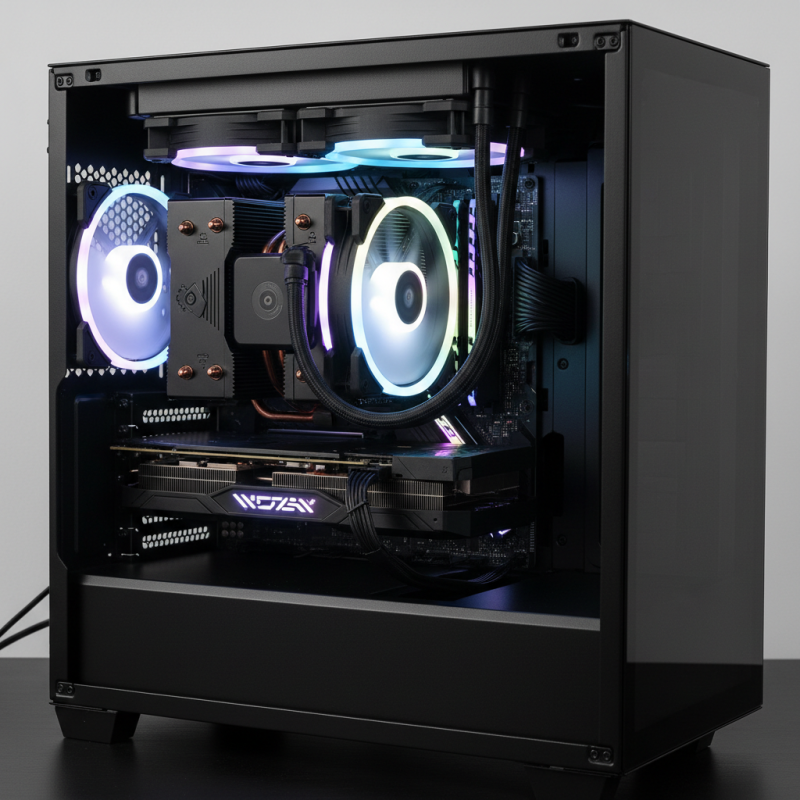
Many options exist in the market. Some focus on air cooling, while others use liquid. Each has its pros and cons, making the selection process tricky. Budget, style, and size all affect the decision. You may find a visually appealing cooler, but it might not fit in your case.
It's crucial to consider your system's compatibility. An oversized cooler may cause issues. Failing to assess your needs and priorities can lead to regrets. A good CPU cooler balances aesthetics, efficiency, and noise levels. Finding this balance will enhance your gaming experience.
Understanding CPU Coolers: Types and Their Functions
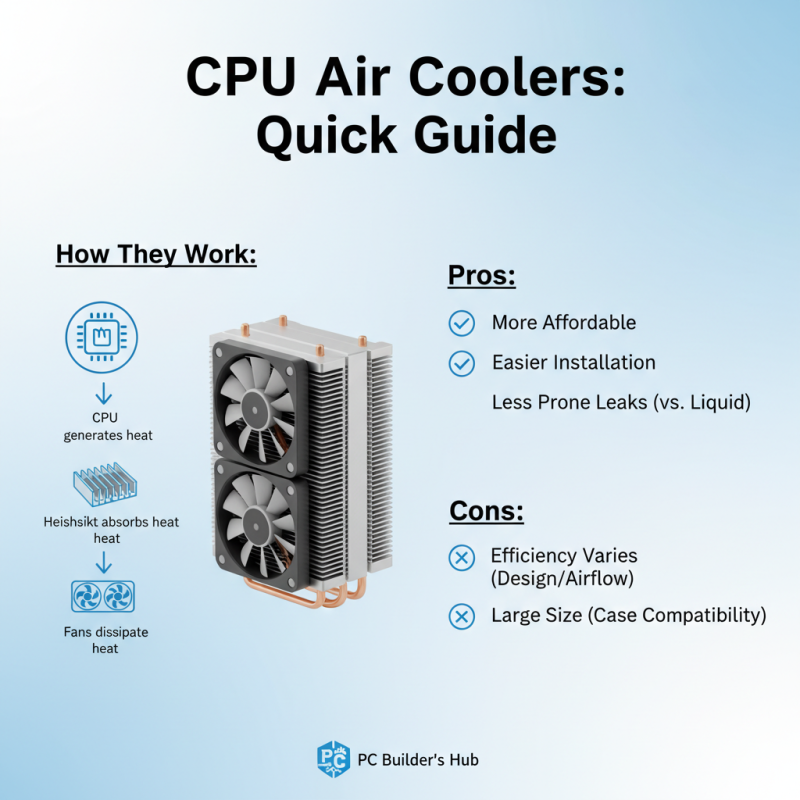
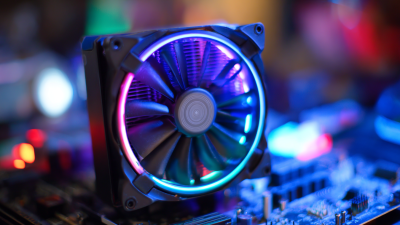
When choosing a CPU cooler, it's essential to understand the different types available. Air coolers, for instance, use fans to dissipate heat. They are usually more affordable and easier to install. However, their efficiency can vary based on design and airflow. Large heatsinks may not fit in compact cases, limiting choices for some users.
Liquid coolers, on the other hand, offer superior cooling performance. They circulate coolant through a closed loop, reducing temperatures effectively under load. Yet, they require more maintenance and can be complex to install. Leaks, while rare, can damage other components. Also, noise levels can be a concern depending on fan and pump quality.
When selecting a cooler, consider your gaming setup's size and design. Think about how frequently you'll upgrade your components. The wrong choice may lead to overheating issues. This can affect performance and lifespan. Balancing cooling efficiency with practicality is key. Evaluate your needs carefully before making a decision.
Key Factors to Consider When Choosing a CPU Cooler
Choosing the right CPU cooler is crucial for your gaming setup. There are several factors to consider when making this decision. First, think about your CPU model and its cooling requirements. Different CPUs generate varying heat levels. It's vital to match the cooler's capacity to your CPU's needs. Look for cooler specifications that indicate thermal performance.
Another important factor is the size of the cooler. Ensure it fits inside your case without obstructing other components. Measure the available space carefully. An oversized cooler might look impressive but could lead to installation difficulties. Consider the airflow design as well. Efficient airflow will improve cooling performance.
Noise levels also matter. Some coolers operate quietly, while others can be quite loud under load. If peace is a priority during gaming, check for noise ratings. Reflect on your preferences—better cooling might come at a cost of increased noise. Remember that aesthetics can play a role too. An appealing design can enhance your overall setup. Finding the right balance between performance and aesthetics can be challenging.
2026 How to Choose the Best CPU Cooler for Your Gaming Setup?
| Cooling Type |
Thermal Performance |
Noise Level |
Installation Ease |
Price Range |
| Air Cooler |
Good |
Moderate |
Easy |
$30 - $100 |
| Liquid Cooler |
Excellent |
Low |
Moderate |
$70 - $200 |
| All-in-One (AIO) Cooler |
Very Good |
Low |
Easy |
$80 - $250 |
| Custom Loop Cooler |
Outstanding |
Low |
Difficult |
$150 - $500 |
Compatibility: Ensuring Your Cooler Fits Your Setup
When choosing a CPU cooler, compatibility is essential. The cooler must fit your case and motherboard.
Measure the available space before purchasing. Most coolers have specific height and width requirements.
Check your case specifications. A cooler that’s too tall may not fit. This detail can be easily overlooked.
Another aspect is socket compatibility. Different CPUs require different mounting mechanisms.
Ensure that your cooler supports your CPU's socket type. Sometimes, manufacturers provide mounting kits.
Verify whether your cooler includes these kits. It can save you from an unexpected hassle.
Consider the airflow in your setup. A cooler may fit but can block other components.
This obstruction might hinder performance. Always visualize how components align when installed.
Remember, aesthetics can matter too, so think about your build's look. With these details in mind, you can make a better choice.
Noise Levels: Balancing Performance and Acoustic Comfort
When selecting a CPU cooler for gaming, noise levels play a crucial role. Gamers often seek high performance. However, they might overlook the importance of acoustic comfort. A powerful cooler can generate significant noise, leading to a less enjoyable experience. Finding the right balance between cooling efficiency and quiet operation is essential.
Consider the types of fans used in the cooler. Larger fans often operate at lower speeds while maintaining airflow. This results in quieter performance. Look for models with noise-dampening features. These can minimize vibrations and create a more serene gaming environment. Picking a cooler with adjustable fan speeds can also help. You can lower speeds during casual gaming sessions. This may reduce noise while still providing adequate cooling.
Be aware that even the best coolers might not be silent. They can still produce some noise under heavy loads. It's important to assess your own tolerance for sound. Test different coolers if possible. Listen carefully to their operational sound profiles. This way, you can make a more informed choice. Remember, the goal is to enhance your gaming experience without sacrificing too much peace.