What is a Computer Case and Why is it Important?
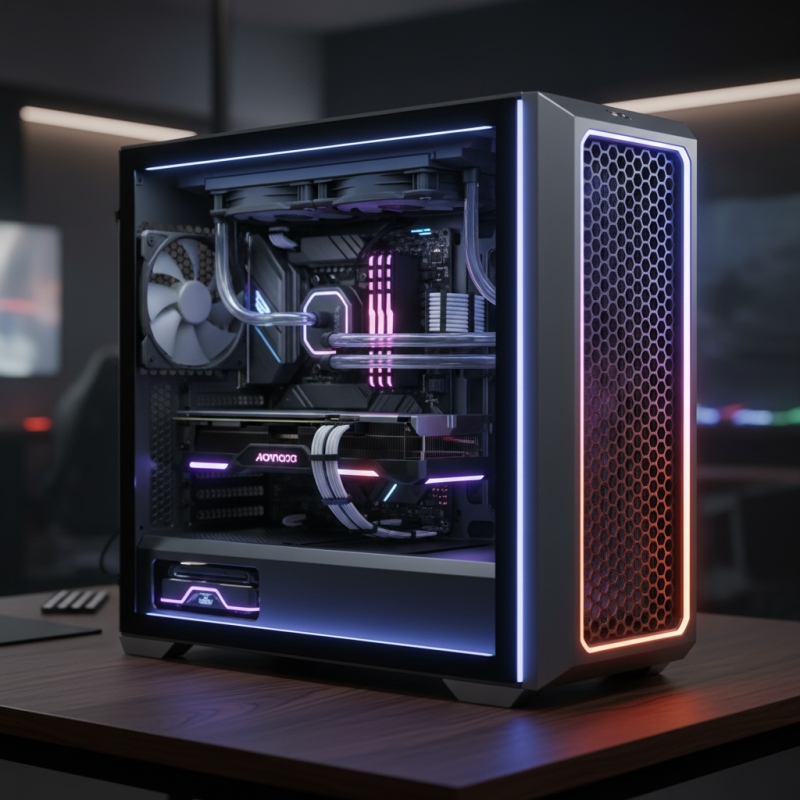
A computer case, also known as a chassis, is crucial for any computer setup. It houses the essential components like the motherboard, power supply, and storage devices. Without a suitable case, these parts can be vulnerable to damage. Computer cases come in various sizes and designs, catering to different needs. A well-ventilated case can prevent overheating, a common issue faced by many users.
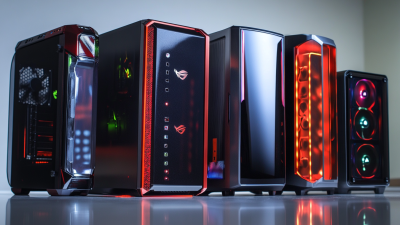
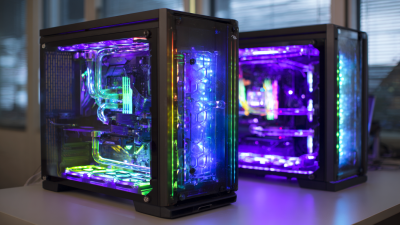
Moreover, the aesthetic appeal of computer cases is evident in modern gaming setups. A visually appealing case can enhance the overall look of a space, making it feel more personalized. Choosing the right computer case can be daunting. There are factors like material, airflow, and expansion options to consider. Sometimes, people rush this decision. They might not fully understand how it affects performance and longevity. Reflecting on the choice of computer case can lead to better informed decisions in the future.
Definition of a Computer Case and Its Primary Functions
A computer case is more than just a plastic or metal shell. It serves several critical functions. Primarily, it houses and protects various components like the motherboard, power supply, and storage drives. This protection is vital. According to experts, a well-constructed case can increase a computer’s lifespan by enhancing cooling and reducing dust accumulation.
Cooling is crucial for performance. Many users underestimate this. A case with poor airflow can lead to overheating. Overheating may cause hardware failure. Reports show that temperature management can improve system performance by up to 25%. This highlights the importance of choosing a case wisely, focusing on airflow and thermal design.
Aesthetics also matter. Users often want an attractive setup. Many opt for cases with glass panels or LED lighting. Yet, the design should not compromise functionality. The right balance between form and function is essential. Ultimately, a computer case is foundational for any build. Prioritizing the right design and features can significantly affect performance and longevity.
Importance of Computer Cases
This bar chart illustrates the various primary functions of a computer case and their importance on a scale of 1 to 10. The data shows that protection and cooling are the most critical functions, while aesthetics and accessibility are less crucial but still important.
Key Materials Used in Computer Case Construction
When building a computer, the case is crucial. It's more than just a shell; it protects components and manages airflow. Different materials affect durability and aesthetics.
Metal is common in cases. Aluminum is lightweight and looks sleek. Steel offers strength and is often cheaper. However, it can be heavier. Plastic is another option, mainly used for budget builds. It’s less durable but can reduce costs significantly.
Tips: Consider airflow when selecting a case material. Good ventilation keeps components cool. Pay attention to cable management features too. They help in maintaining neatness, which can ease future upgrades.
Many cases come with tempered glass panels. They’re visually appealing but may not provide as much protection. This balance between looks and safeguarding is essential. Evaluate what matters most for your build.
What is a Computer Case and Why is it Important? - Key Materials Used in Computer Case Construction
| Material |
Description |
Pros |
Cons |
| Steel |
A durable and strong metal commonly used for mid-tower and full-tower cases. |
High durability, good structural integrity, often provides good protection. |
Can be heavy and may not provide the best aesthetics. |
| Aluminum |
A lightweight metal, often used for high-end cases, providing an elegant finish. |
Lightweight, good thermal conductivity, and premium appearance. |
Costly and less robust compared to steel. |
| Plastic |
A lightweight and inexpensive option primarily used for entry-level cases. |
Affordable and lightweight, can be molded into various shapes. |
Less durable and may not provide adequate protection. |
| Tempered Glass |
Often used in cases to provide a clear view of internal components, enhancing aesthetics. |
Stylish appearance, allows visibility of internal components. |
Fragile and can be heavy, may require careful handling. |
Importance of Cooling and Ventilation in Computer Cases
Cooling and ventilation play a critical role in the performance of a computer. Without proper airflow, excess heat builds up, leading to overheating. According to research, nearly 70% of computer hardware failures are attributed to heat-related issues. This statistic underscores the importance of choosing a computer case designed to promote optimal cooling.
A well-ventilated case often incorporates multiple fan mounts and strategic airflow paths. Studies show that systems with effective cooling solutions can operate 30% cooler than those with inadequate airflow. The location of fans is crucial; front-to-back airflow generally leads to better cooling efficiency. Some enthusiasts even opt for custom cooling setups, highlighting personal preferences in design and functionality.
Neglecting cooling needs can result in performance throttling. For instance, when a CPU overheats, it can downclock itself to prevent damage. This means that even high-end components might not perform as expected. It's essential to choose a case that allows for good airflow and offers space for future upgrades. Poor decisions here can lead to regrets down the road. Proper cooling is not just a luxury; it's a necessity for any build.
Factors to Consider When Choosing a Computer Case
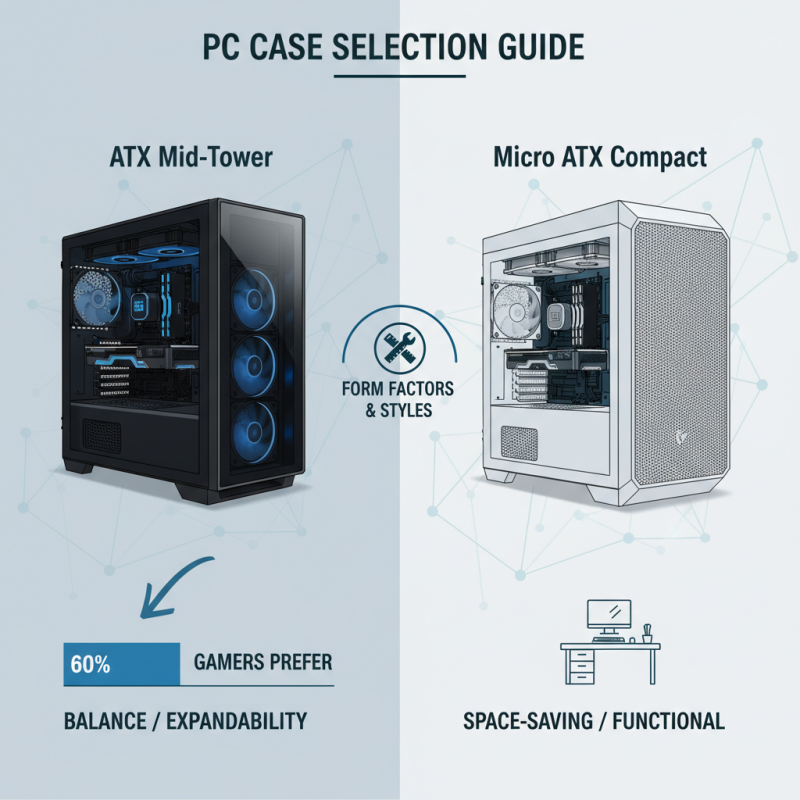
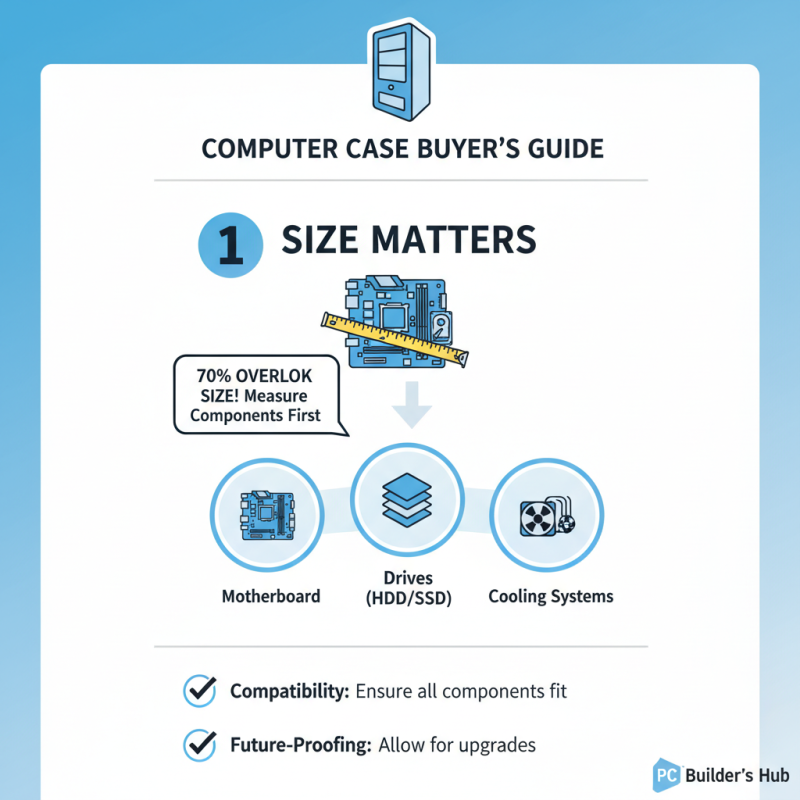
When choosing a computer case, several critical factors come into play. Size is paramount. A case must accommodate your components, including the motherboard, drives, and cooling systems. Research shows that approximately 70% of users overlook the size, leading to compatibility issues. It's essential to measure components before purchase.
Cooling options are also vital. Effective airflow helps maintain optimal temperatures. Reports indicate that systems with proper cooling can enhance performance by up to 25%. Look for cases with good ventilation and fan support. Dust filters are a plus; they help keep internal components clean.
**Tip:** Before buying, visualize the layout of your components. This helps in avoiding cramped setups. Additionally, consider future upgrades. Choosing a spacious case can save you the trouble of purchasing a new one down the line. Remember, a well-planned choice today can enhance your system's lifespan and performance.