What is PC Cooling and Why is it Important for Your Setup?
PC Cooling is often overlooked but is crucial for any computer setup. It prevents overheating, which can damage components. When the internal temperature rises, performance drops. Throttling occurs, slowing down the system. A well-cooled PC operates efficiently, enhancing user experience.
There are various methods for cooling, including air and liquid cooling systems. Each has its own benefits and downsides. Many enthusiasts face challenges when choosing the right cooling solution. Can excessive cooling lead to noise issues? Sometimes, it does. Balancing performance and quiet operation can be tricky.
Ignoring PC Cooling can lead to long-term damage. A hot running PC might result in hardware failures. Components like CPUs and GPUs thrive in cooler temperatures. Effective cooling is not just beneficial; it’s essential. Choosing the right cooling solutions is a fundamental step for any user. Reflecting on these aspects can lead to better decisions.
What is PC Cooling? An Overview of Methods and Technologies
PC cooling is a crucial aspect that greatly influences performance and longevity. It prevents overheating, which can lead to hardware damage. There are several methods to ensure your PC stays cool. The most common approaches are air cooling and liquid cooling.
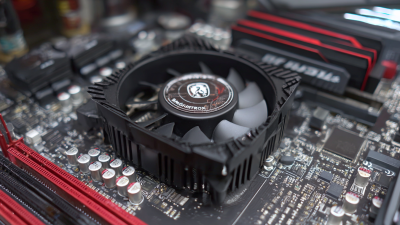
Air cooling utilizes heatsinks and fans to dissipate heat. It is often more straightforward and cost-effective. However, air cooling can be less effective in high-performance setups. Dust accumulation can also hinder airflow, making regular maintenance necessary. Many overlook this detail, which can lead to reduced performance.
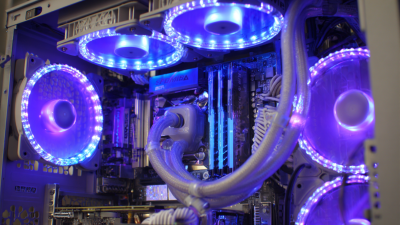
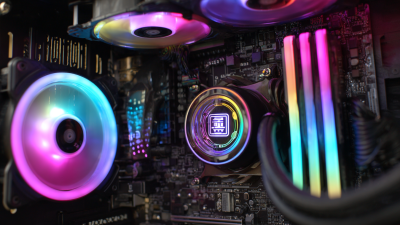
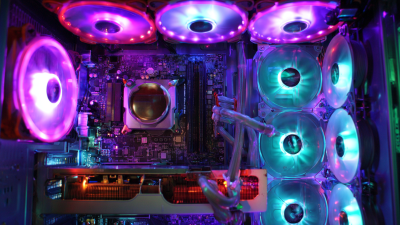
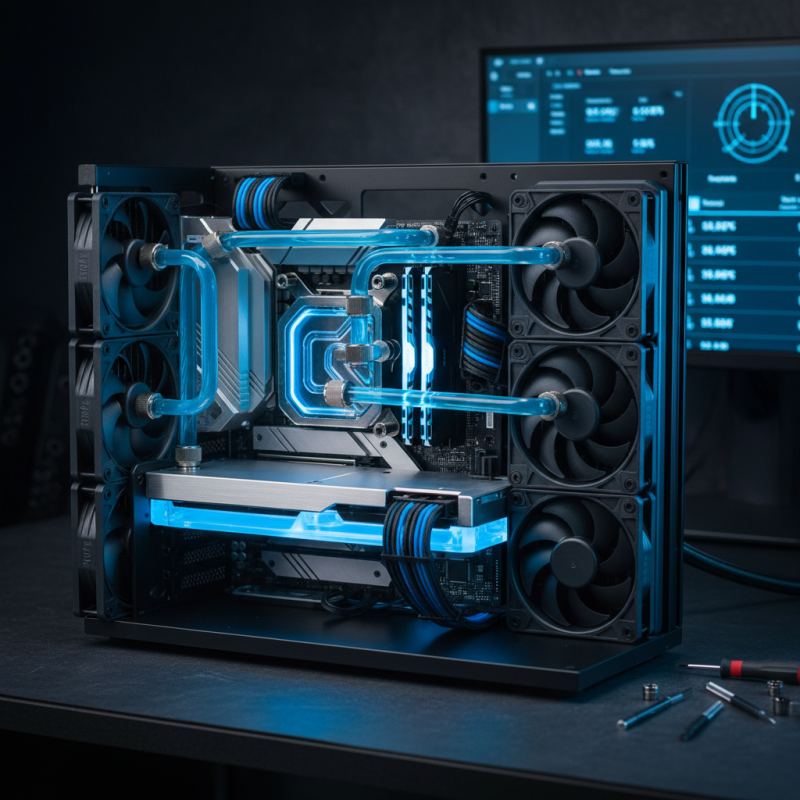
Liquid cooling is another popular solution. It circulates liquid through tubes and a radiator to transfer heat away. While it offers superior cooling, it requires more installation effort. Leaks can occur, which may damage components. Using this method may seem advanced but often leaves users wondering if they have done it correctly. Balancing cooling effectiveness with system complexity is a common challenge.
The Importance of Maintaining Optimal Temperatures in Computer Systems
Maintaining optimal temperatures in computer systems is crucial for their performance and longevity. Excessive heat can lead to hardware malfunctions and even permanent damage. A study from the IEEE reveals that heat directly impacts the failure rates of components, with increased temperatures causing a 15% rise in failure likelihood for every 10°C above optimal levels.
When a computer's internal temperature rises, performance starts to degrade. For instance, graphics cards can throttle or reduce their processing power to prevent overheating. This can result in lower frame rates and lag during demanding tasks. In some cases, the system may shut down completely to protect itself. Such scenarios disrupt workflows and can lead to data loss.
The importance of cooling solutions cannot be overstated. While many users rely on air cooling, liquid cooling has gained popularity for its efficiency. Research indicates that liquid cooling can lower temperatures by up to 30%. However, not all setups need advanced cooling. It’s essential to evaluate your usage patterns. Higher-end tasks require more robust cooling. Ignoring this can exacerbate issues, leading to costly repairs. Balancing performance and cooling is a critical aspect of any effective setup.
What is PC Cooling and Why is it Important for Your Setup?
| Cooling Method |
Effectiveness |
Temperature Maintenance |
Noise Level |
Cost |
| Air Cooling |
Moderate |
30-50 °C |
Low |
$20-$100 |
| Liquid Cooling |
High |
20-40 °C |
Moderate |
$50-$200 |
| Phase Change Cooling |
Very High |
Sub-zero |
High |
$300+ |
| Peltier Cooling |
Moderate |
10-30 °C |
Moderate |
$100-$250 |
Key Components of PC Cooling Solutions: Fans, Coolers, and Liquids
PC cooling is an essential aspect of any computer setup. The primary components include fans, coolers, and liquid cooling systems. These elements help maintain optimal temperatures and prevent overheating, which can lead to system failures. According to a report by TechInsights, 55% of hardware failures are related to thermal issues.
Fans are the most common cooling solution. They help circulate air through the case, drawing cooler air in and pushing warm air out. Proper airflow is crucial for maintaining consistent temperatures throughout the PC. In contrast, coolers, like heat sinks, dissipate heat more effectively. They often combine metal fins with thermal paste for improved heat transfer. However, some amateur builders neglect to apply thermal paste correctly, leading to subpar performance.
Liquid cooling systems offer a more advanced solution. They use a coolant to absorb and transfer heat away from critical components. These systems can be more expensive and complex to set up. An industry report by Jon Peddie Research states that liquid cooling can reduce temperatures by up to 30%. Yet, they may introduce risks, such as leaks or maintenance issues, which users must consider. Balancing performance and cost remains a challenge for many PC enthusiasts.
Impact of High Temperatures on Performance and Hardware Longevity
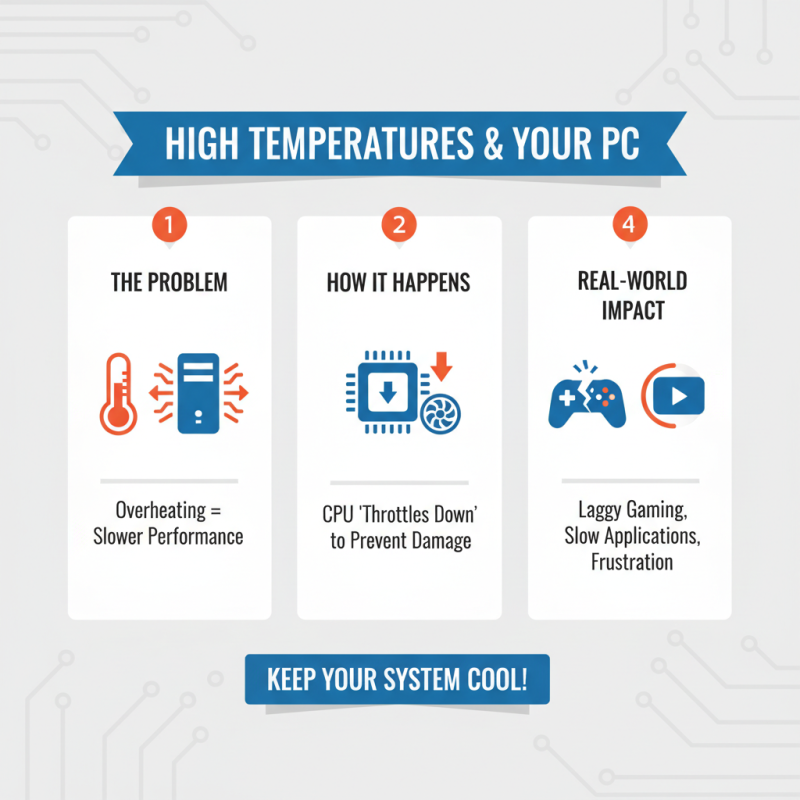
High temperatures can significantly impact computer performance. When a system overheats, it struggles to process tasks efficiently. The CPU can throttle down to prevent damage, slowing everything. Gaming and heavy applications may lag, creating frustration.
Additionally, prolonged exposure to heat can shorten hardware lifespan. Components like graphics cards and motherboards are particularly vulnerable. A little heat can cause long-term damage, leading to costly repairs. Cooling solutions, such as fans or liquid systems, are essential to maintain optimal temperatures.
Ignoring cooling needs can be a costly mistake. Many people overlook regular maintenance. Dust buildup can block airflow, increasing heat. Checking and cleaning frequently is crucial. Neglecting this task might lead to unexpected shutdowns or failures. Keeping your setup cool not only improves performance but also protects your investment.
Industry Standards: Recommended Operating Temperatures for Gaming PCs
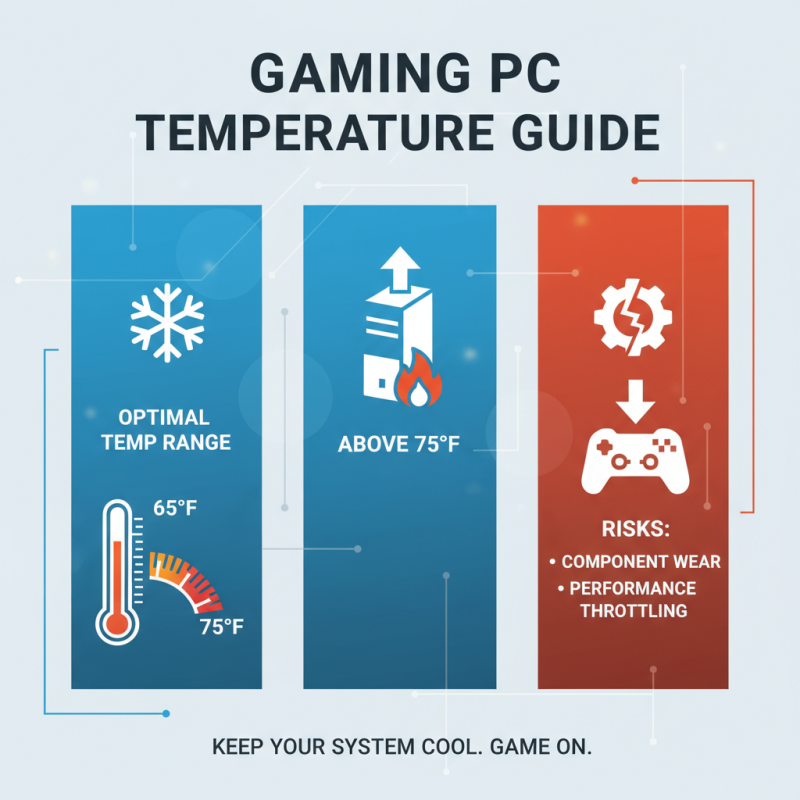
When it comes to gaming PCs, maintaining a proper operating temperature is crucial. Most experts recommend keeping your system between 65°F and 75°F. Going above this range can increase wear on components. High temperatures may lead to unwanted throttling. This can adversely affect gaming performance.
Each component generates heat. The CPU and GPU tend to produce the most. It's important to monitor these temperatures regularly. Many gamers overlook the effects of dust buildup. A simple cleanup can significantly improve airflow. This can help maintain the recommended temperatures. Temperature fluctuations can also signal other issues, like inadequate cooling solutions.
For true enthusiasts, investing in quality cooling systems can make a difference. Liquid cooling systems can efficiently dissipate heat. However, they require careful setup and maintenance. Air coolers can be simpler and less pricey. Each option has pros and cons. Balancing performance with budget can be a challenge. Ultimately, understanding these temperatures is vital for the longevity of your gaming rig.