Why Do You Need a Reliable PC Power Supply?
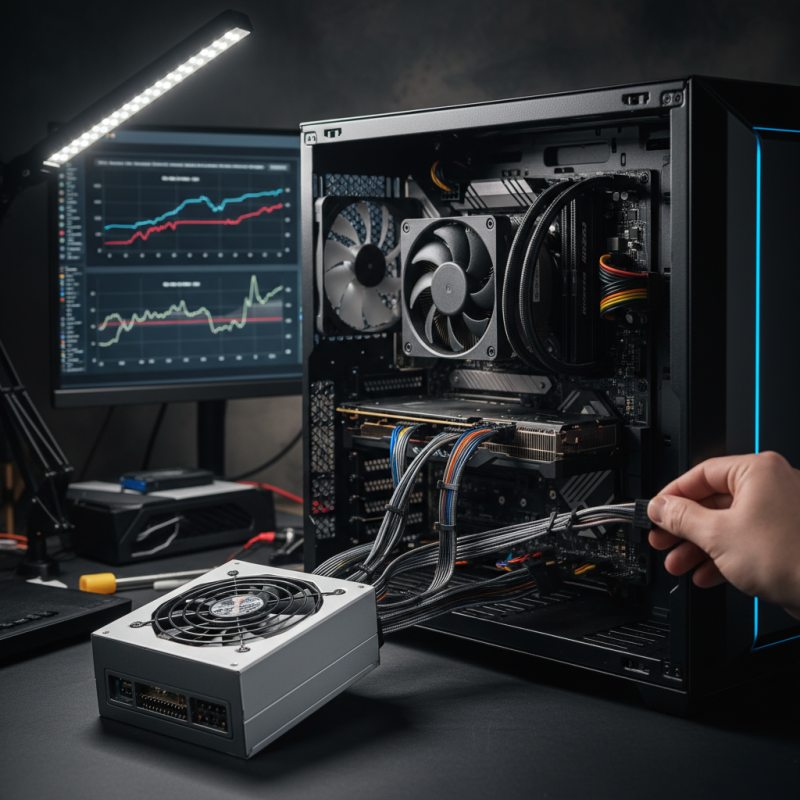
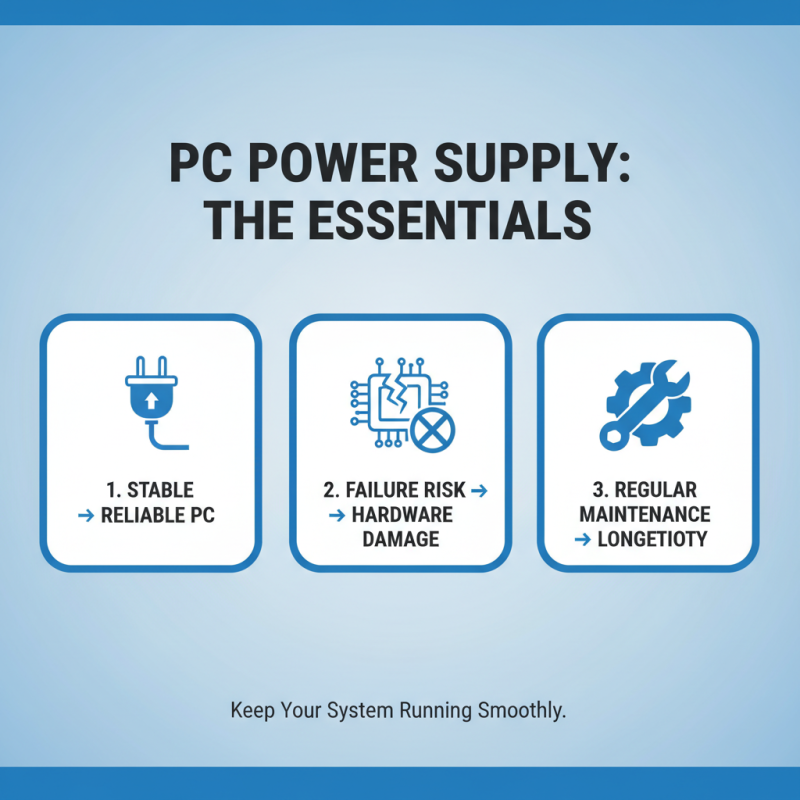
A reliable PC power supply is crucial for any computer system. It ensures that all components receive stable and adequate power. Without proper power supplies, your PC may face unexpected shutdowns. Such disruptions can lead to data loss or even hardware damage.
Many users often overlook this vital component. They may focus on fancy graphics cards or fast processors. However, if the power supply fails, these advanced components become useless. Imagine a sudden blackout during an important task. The frustration can be immense, and recovery can be challenging.
Choosing quality PC power supplies pays off in the long run. It safeguards your investment in technology. Power fluctuations can harm sensitive parts. Therefore, don’t underestimate the importance of a good power supply. Your PC’s performance and longevity depend on it. Investing in a reliable unit is wise, given the risks involved.
Importance of a Reliable Power Supply in Computer Systems
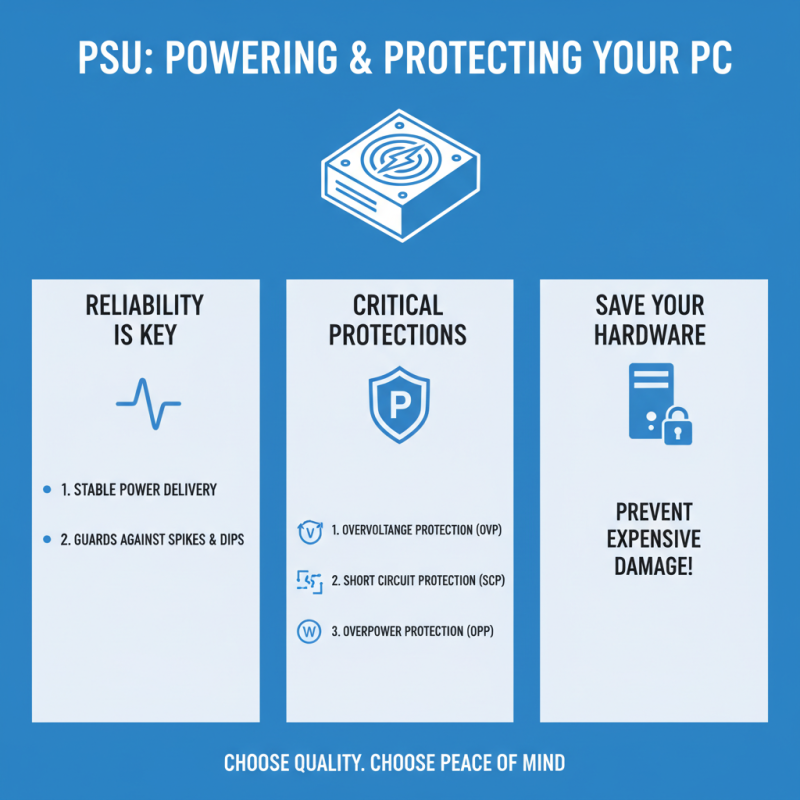
A reliable power supply plays a crucial role in computer systems. It serves as the heart of the entire setup, converting AC to DC power. A quality power supply ensures your components receive stable voltage. Fluctuations can lead to serious issues. For instance, random reboots or crashes may occur.
Power supplies are not something everyone considers deeply. Many users opt for cheaper options, thinking they are sufficient. However, this can be a costly mistake. Inadequate power can affect performance. It may even damage vital components over time. A freebie that looks affordable can turn out to be a nightmare.
Each part of a computer relies on steady power. If the supply falters, motherboards and graphics cards could fail. Even fans and storage devices depend on a stable current. Ignoring this can lead to frustrating headaches down the line. Investing in a reliable power supply is not just smart; it is essential for longevity and performance.
Common Issues Caused by an Unreliable Power Supply
A reliable PC power supply is essential for your computer's health. An unreliable power supply can cause various issues. One common problem is random shutdowns. This can lead to data loss and interrupted tasks. You may find your PC turning off unexpectedly, which is frustrating.
Another significant issue is voltage fluctuations. Inconsistent power can damage your components over time. This might result in shortened hardware lifespan. You could notice unusual errors during gaming or while running heavy applications. These glitches can disrupt your work and raise stress levels.
Overheating is another concern with cheap power supplies. They may not properly regulate the voltage, causing excess heat. This can lead to hardware failure. Installing a quality power supply may help prevent these problems. However, many people overlook this crucial component in their builds. Reflecting on these issues might prompt you to reassess your current setup.
Why Do You Need a Reliable PC Power Supply? - Common Issues Caused by an Unreliable Power Supply
| Issue |
Description |
Potential Consequences |
| Power Surges |
Sudden increases in voltage that can damage components. |
Component failure, data loss, reduced lifespan. |
| Under-voltage |
Insufficient power being delivered to the components. |
System instability, crashes, potential hardware damage. |
| Overheating |
Inadequate cooling due to poor power supply construction. |
Performance throttling, hardware wear, potential failure. |
| Noise and Interference |
Electrical noise impacting other components. |
Malfunctioning peripherals, data corruption. |
| Inconsistent Power Delivery |
Frequent fluctuations in power output. |
Random restarts, corrupted files, hard drive issues. |
How to Choose the Right Power Supply for Your PC
Choosing the right power supply for your PC is critical. The power supply unit (PSU) delivers electricity to all components. If it fails, your entire system can suffer. Therefore, understanding its specifications is key.
Look for wattage ratings that match your hardware’s needs. If you plan to upgrade in the future, consider getting a PSU with higher wattage. It’s common for users to underestimate their power needs. Say, a powerful graphics card requires more juice than expected.
Efficiency ratings matter, too. Aim for a unit with at least 80% efficiency. This can save you money on electricity bills and keep your system cooler. Some even overlook cables. Choose a PSU with enough connectors for all your components. Always double-check compatibility with your motherboard and GPU. Selecting a power supply may seem straightforward. However, many find themselves regretting a rushed decision later on. Take your time to reflect on your needs.
Power Supply Efficiency Ratings
This bar chart demonstrates the efficiency ratings of various power supply units (PSUs) based on the 80 PLUS certification levels. A higher efficiency rating indicates less wasted power and lower electricity costs.